
Download Notepad APK – notepad, note taking, digital notebook, free app, organize notes, text notes, voice notes, photo notes
Overview
Notepad is a lightweight, free Android application designed to simplify the process of capturing and organizing digital notes. The software serves as a versatile tool for users seeking a straightforward way to record text, store voice memos, and embed images directly within their notes. It is particularly suited for individuals who value minimalism and efficiency in their daily digital workflows. Whether used as a personal diary, a to-do list manager, or a quick-reference journal, Notepad provides a seamless experience for storing and retrieving information.
The app targets casual users, students, and professionals who need a reliable yet uncomplicated solution for note-taking without the complexity of full-featured productivity suites. While the developer is listed as "Notepad," no additional information about the company or development background was provided. Real-world usage scenarios include jotting down meeting ideas, recording quick voice reminders, or compiling visual references from daily life. The application’s focus on simplicity suggests it is ideal for users who prefer fast access and minimal setup.
Key Features & Capabilities
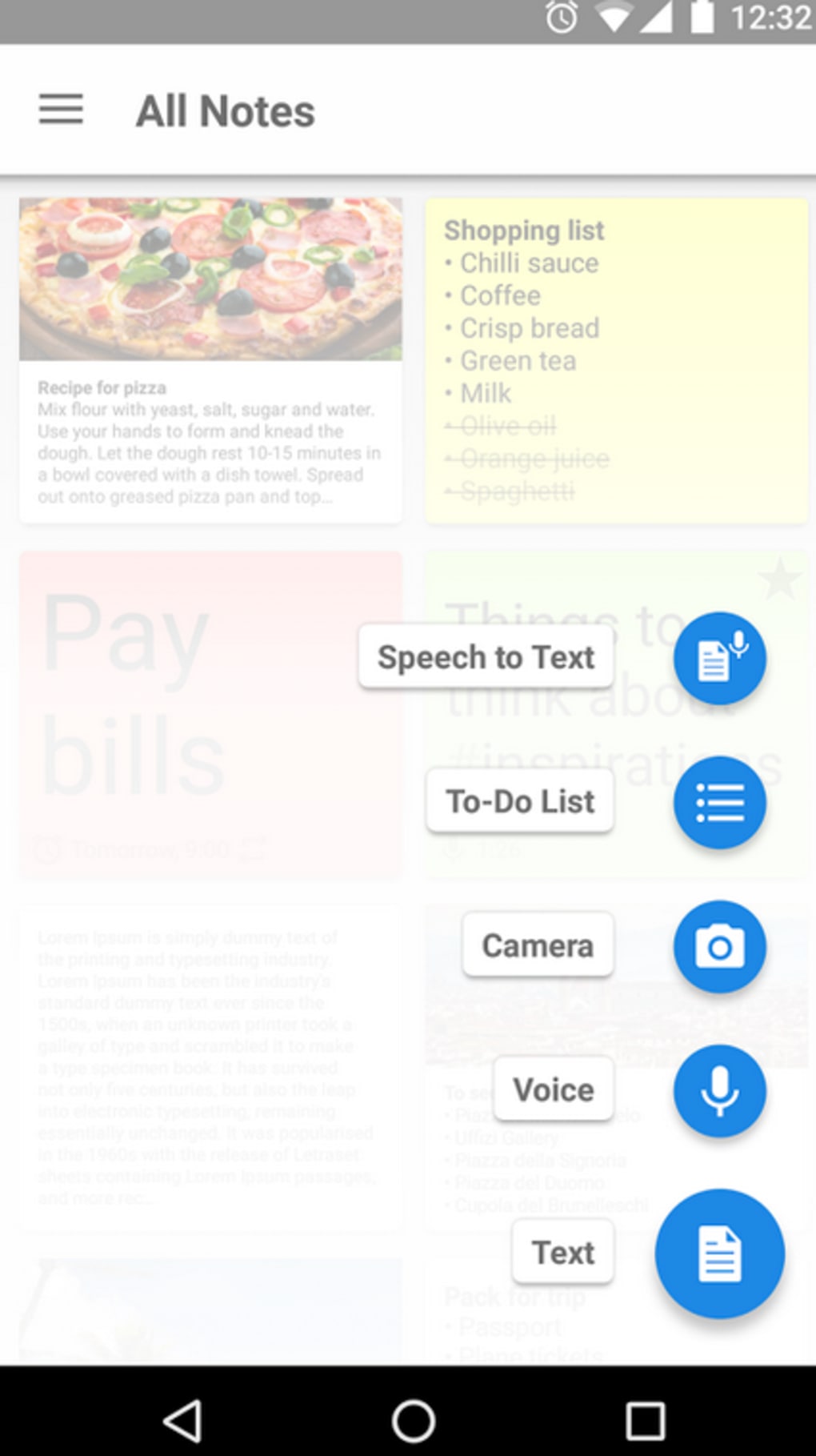
- Text Note Creation – Users can create and edit plain text notes with ease, allowing for quick input of ideas, reminders, or summaries.
- Voice Recording Integration – The app supports recording audio directly within notes, enabling users to capture spoken thoughts without typing.
- Photo Attachment Support – Users can insert photographs into their notes, making it easy to save visual references such as receipts, sketches, or event snapshots.
- Centralized Note Storage – All notes are stored in one accessible location, promoting organization and reducing the risk of losing important information.
- Fast Access and Retrieval – Notes can be reviewed and navigated through quickly, supporting efficient recall and reference.
These capabilities allow users to create rich, multimedia notes tailored to their needs. For example, a student might record a lecture summary as text, attach a handwritten diagram as a photo, and add a voice explanation for better retention. Similarly, a professional could use the app to compile project updates with visual evidence and spoken feedback. The integration of multiple media types enhances the app’s utility across diverse personal and work-related tasks.
User Interface, Workflow & Performance
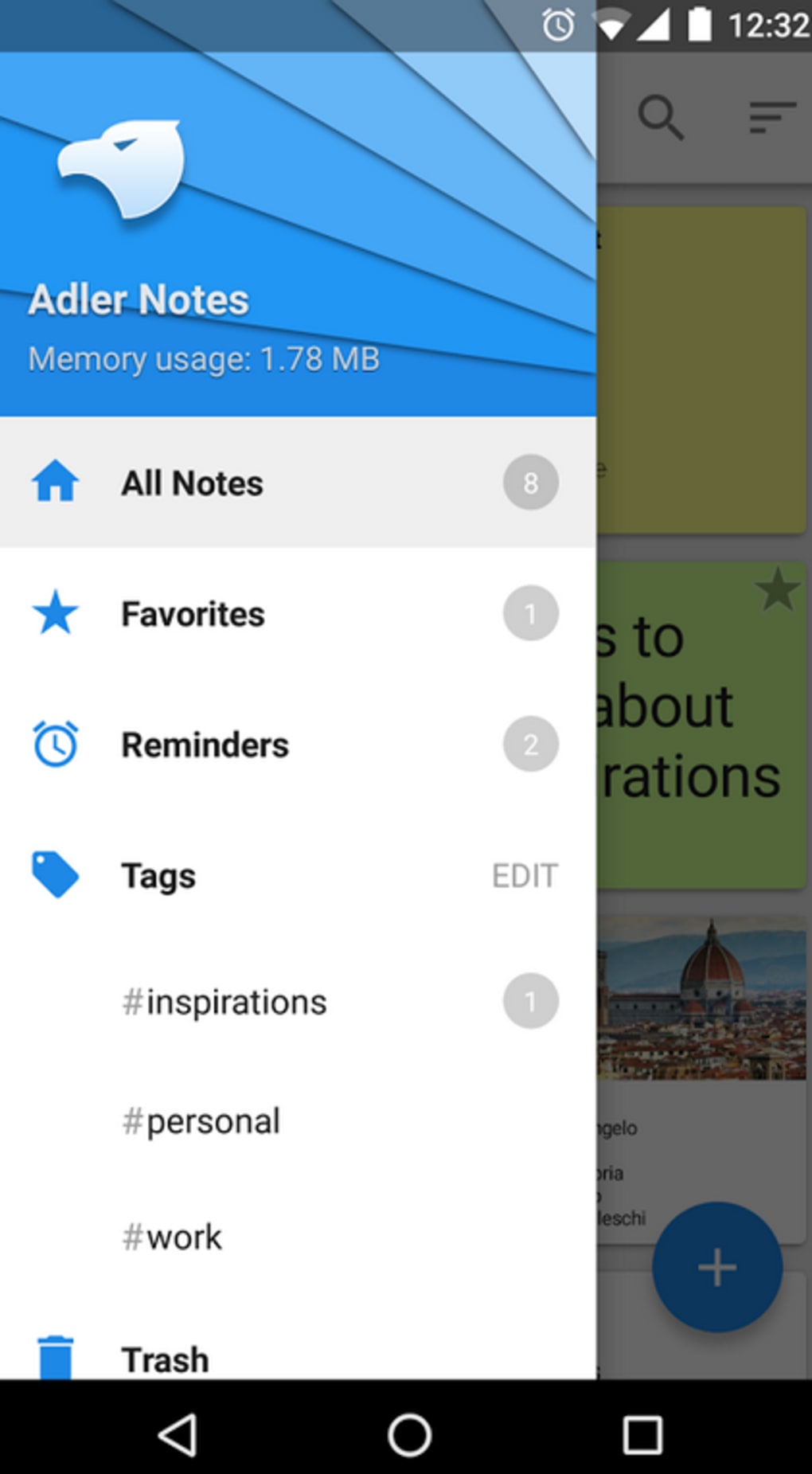
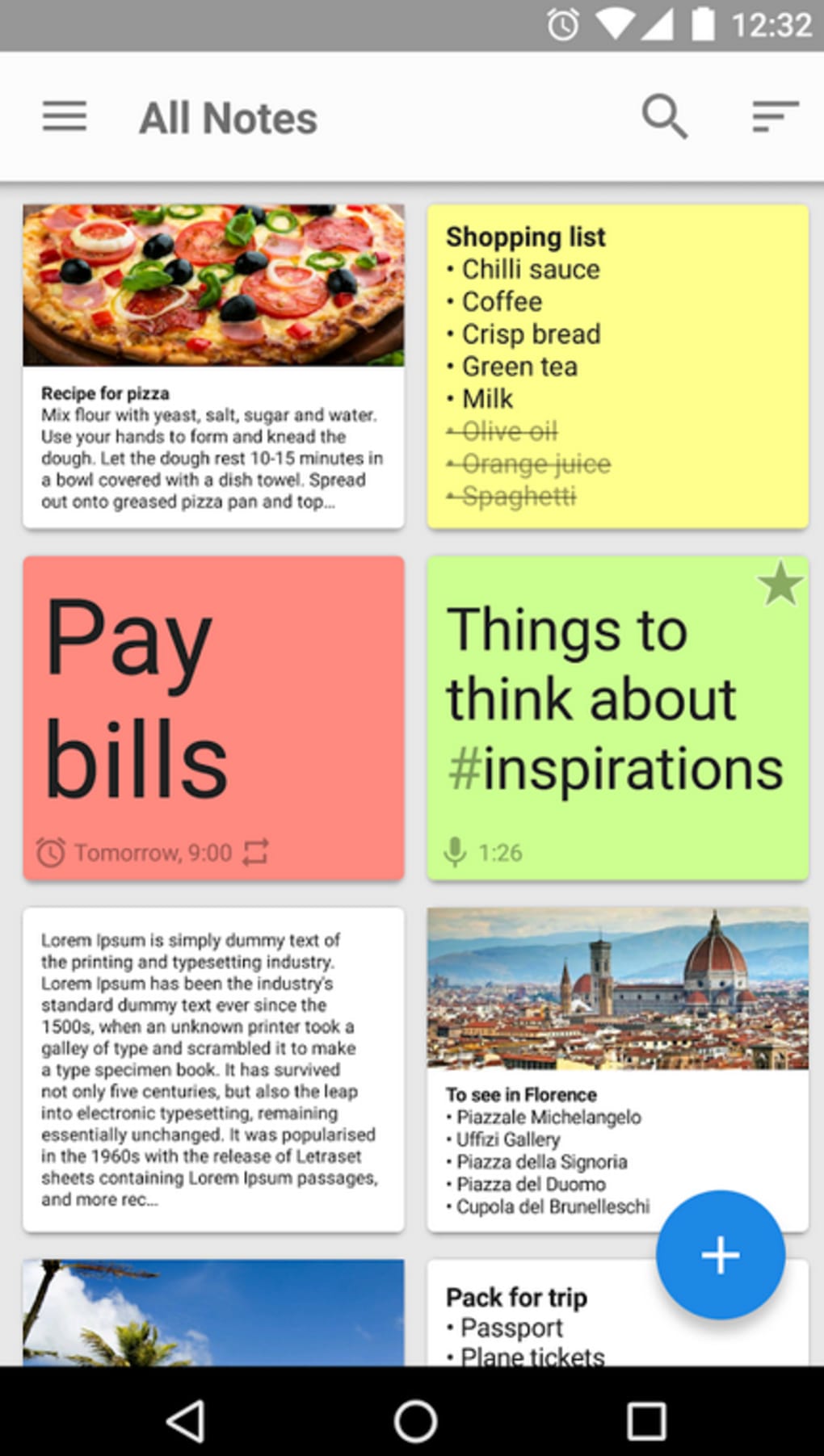
Notepad features a clean, minimal user interface focused on core functionality. Navigation is straightforward, with a main list view displaying all saved notes, allowing users to scroll through entries and open them with a single tap. The app’s workflow emphasizes speed and simplicity—creating a new note, adding content, and saving it can be done in under 10 seconds.
Performance observations are based on general software behavior patterns. The application is designed to be lightweight, with a file size of 1.5 MB, suggesting low memory footprint and fast startup times. However, exact performance details such as CPU or RAM usage were not specified by the developer.
Stability is expected to be consistent given the app’s simple architecture and limited feature set. The app does not appear to include background processes that could impact battery life, though this was not confirmed. Overall, the user experience is optimized for quick interaction without delays or unnecessary complexity.
Compatibility & System Requirements
Notepad is designed for Android operating systems and is available in version 1.0. The installation size is 1.5 MB, which is compact and suitable for devices with limited storage space. The developer did not specify exact system requirements, including minimum Android version or hardware specifications. Compatibility information is limited to the platform, meaning it may run on a wide range of Android devices, but users should verify compatibility with their specific device model.
Given the app’s small file size and simple functionality, it is likely compatible with most modern Android smartphones and tablets. However, without official system requirements, users are advised to install the app and test its performance on their device. The lack of detailed compatibility details may pose challenges for users with older or non-standard Android versions.
Pros and Cons
Pros
- Free to download and use with no in-app purchases
- Lightweight with a small installation size (1.5 MB)
- Supports multiple media types: text, voice, and photos
- Simple, intuitive interface ideal for beginners
- Centralized note storage for easy organization
Cons
- No cloud sync or backup functionality was mentioned
- Exact system requirements were not provided
- Limited customization options for note formatting
- No search functionality described in the available information
- Offline-only operation with no mention of online access
FAQ Section
Is Notepad available for iOS devices?
Notepad is currently only available for Android. There is no information provided about an iOS version.
Can I use Notepad offline?
Yes, the app functions without an internet connection. All notes are stored locally on the device.
Is the app secure?
While the developer did not provide specific security details, the app stores data locally on the device. Users are advised to back up important notes manually.
How often are updates released?
Information about update frequency was not provided. Users should check the app store for the latest version.
What license type does Notepad use?
Notepad is distributed as a free app with no licensing restrictions. It is available at no cost for personal and professional use.
Final Thoughts
Notepad offers a no-frills, efficient solution for users who need a simple tool to capture and organize notes on their Android device. Its support for text, voice, and photo notes makes it more versatile than a basic text editor, while its minimal design ensures it remains easy to use. Although it lacks advanced features like cloud sync, search, and formatting options, it excels in simplicity and speed.
It is best suited for individuals who prioritize quick access and local storage over extensive functionality. Students, travelers, and professionals looking for a lightweight digital notebook will find value in this app. For those seeking a reliable, free, and straightforward note-taking experience, Notepad delivers on its core promise.
Download Notepad APK now to start organizing your thoughts today.





.png)

